> For the complete documentation index, see [llms.txt](https://doc.ave.ai/llms.txt). Markdown versions of documentation pages are available by appending `.md` to page URLs; this page is available as [Markdown](https://doc.ave.ai/vn/huong-dan/solana-chain-detail-tutorial-for-newbie/5.-how-to-cross-chain-from-solana-chain-to-evm-chain.md).
# 5. How to cross-chain from Solana chain to EVM Chain
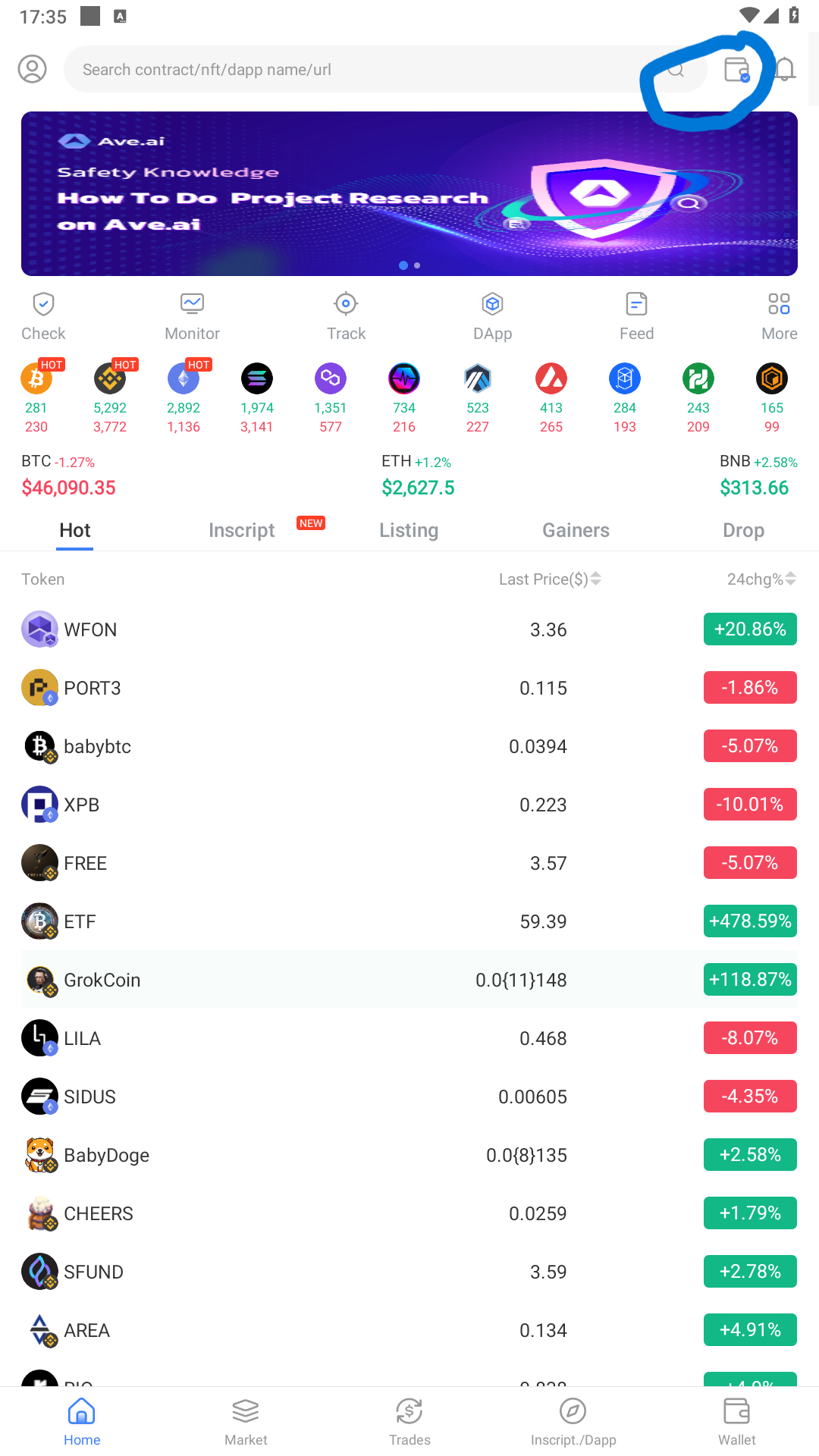
1. Click the list of wallet
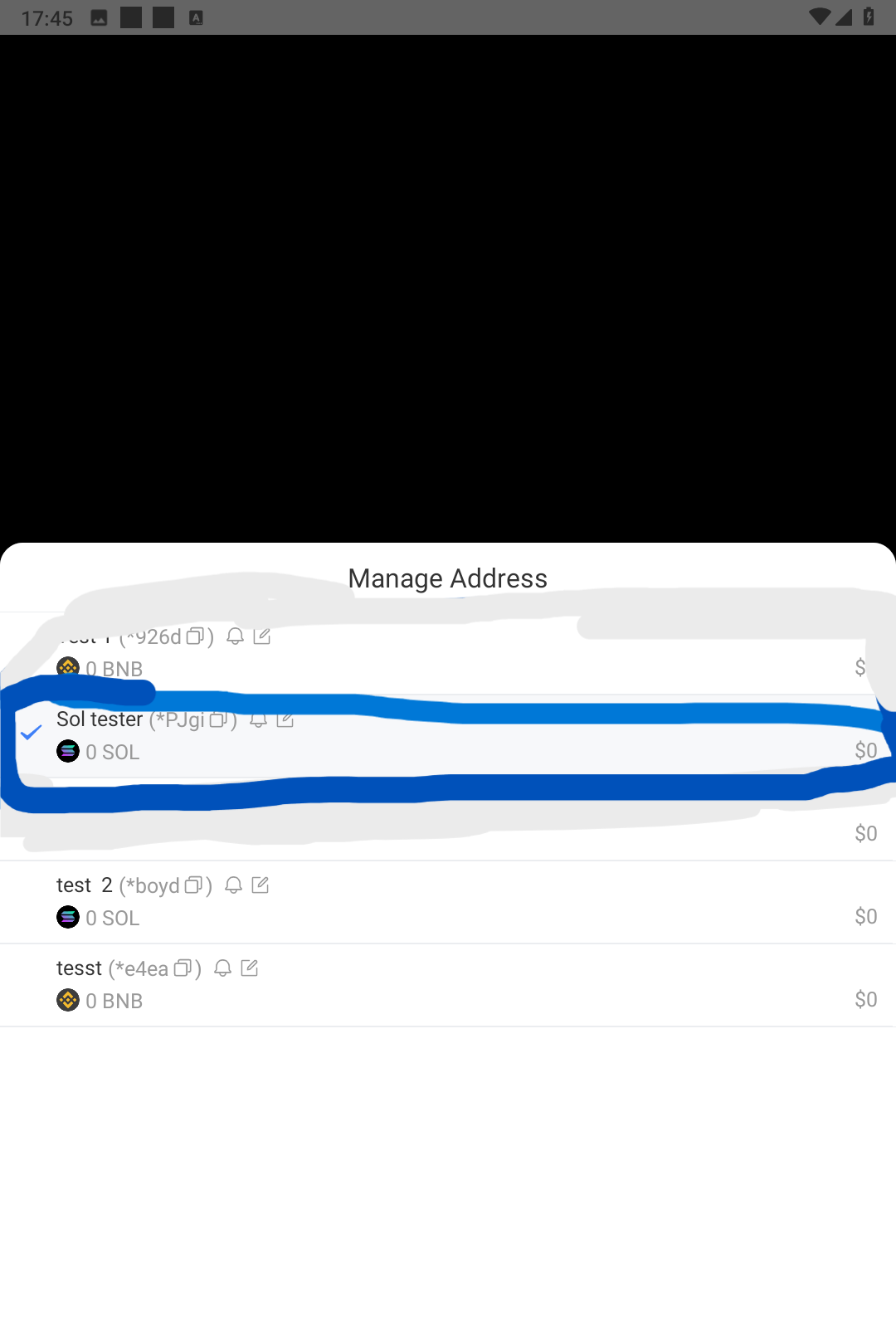
2. Select the list of address available on AVE.ai wallet
3. Select the Solana wallet that you want to bridge
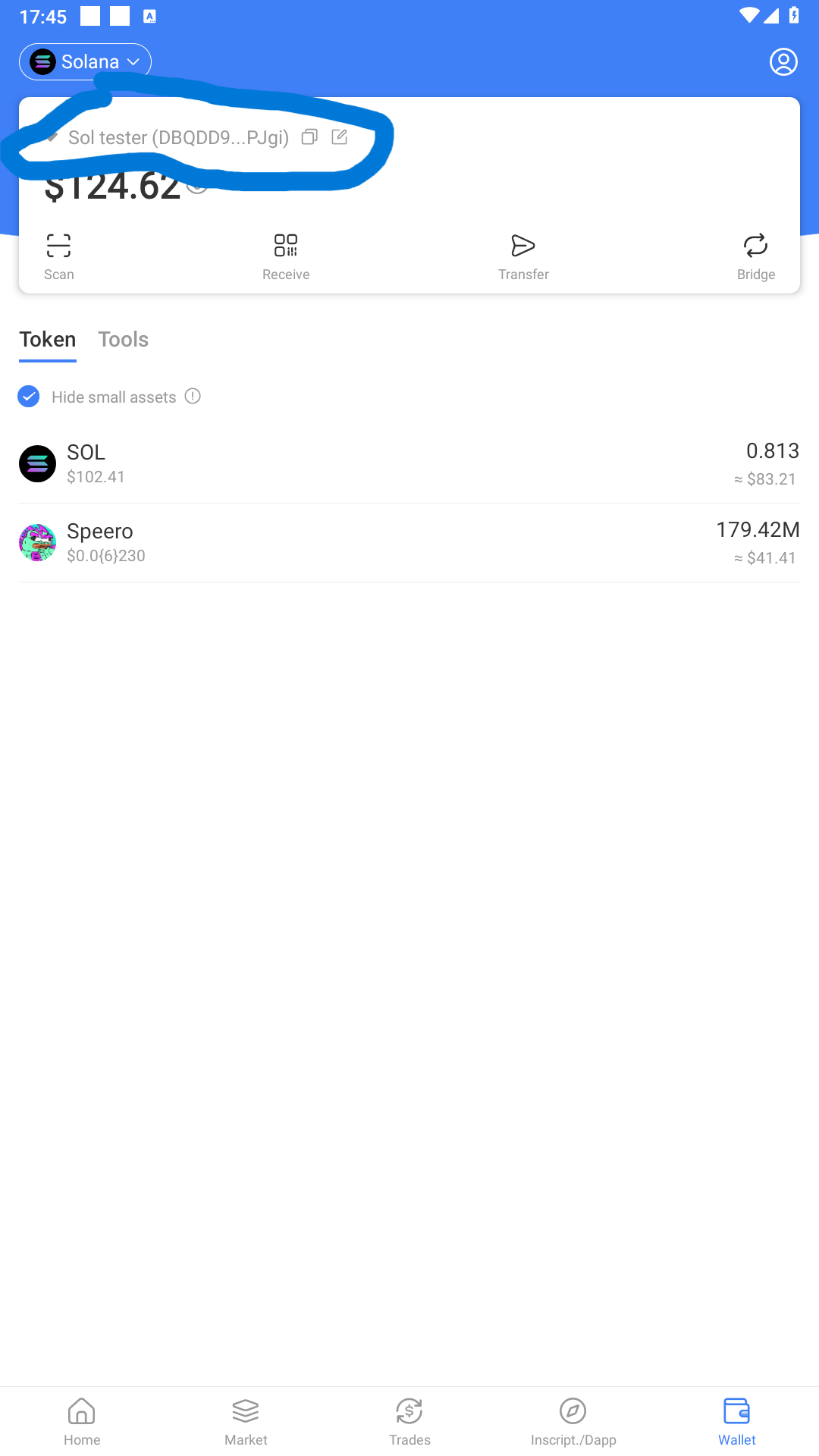
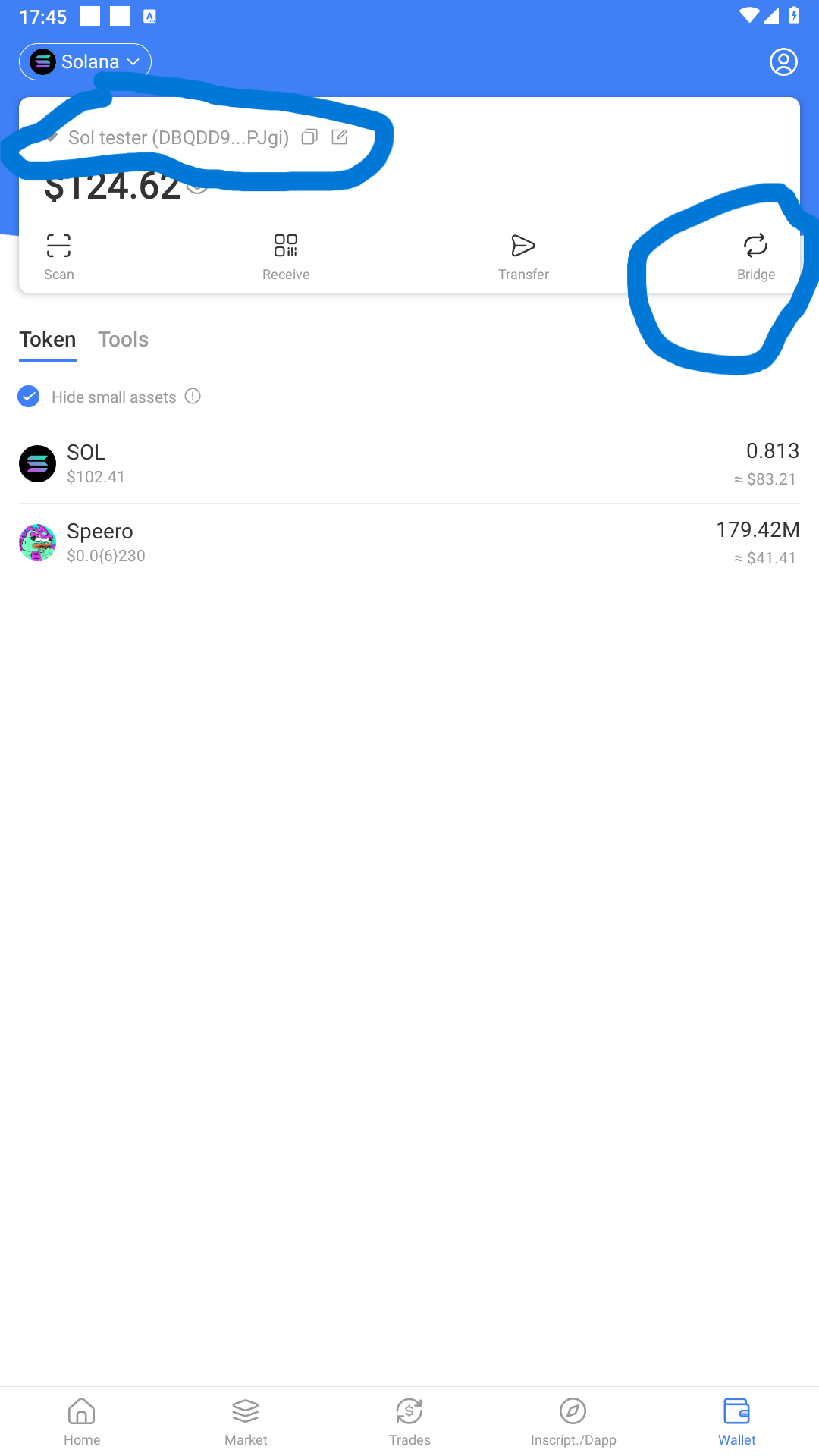
4. After that your Solana wallet will show up with all of property of you, then click Bridge button to bridge token to other chains.
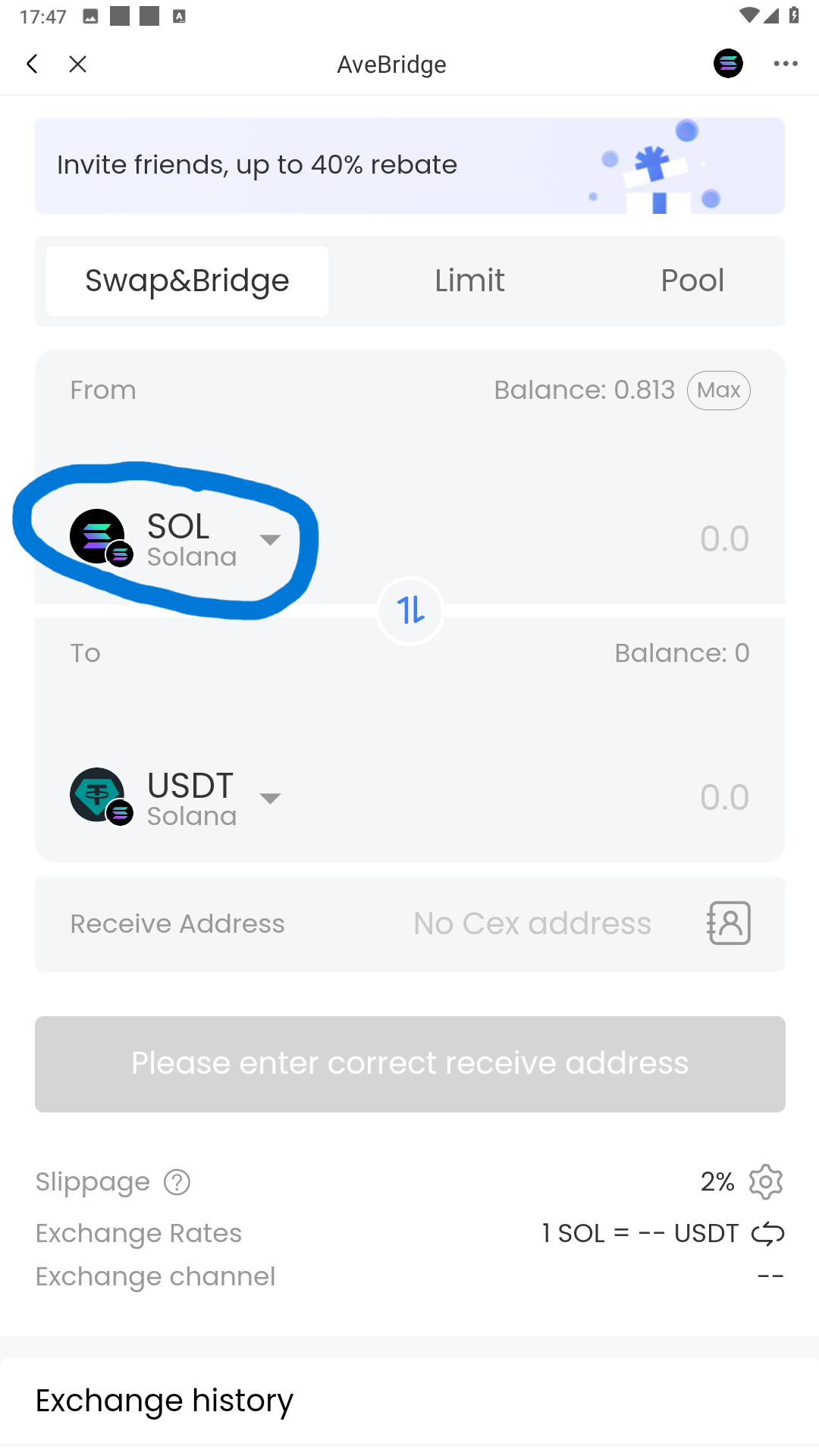
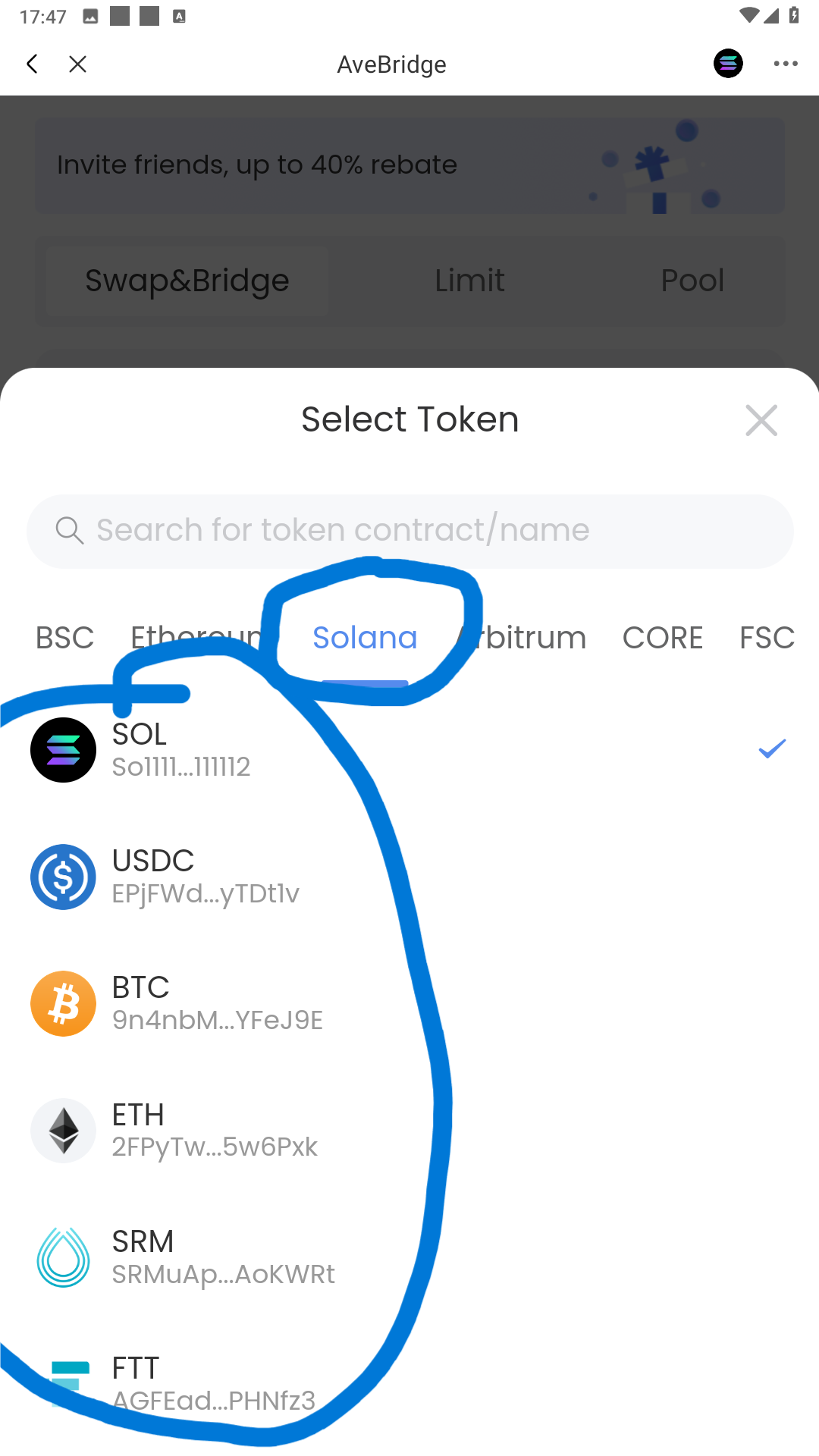
5. After the new interface show up, please use click to select the type of token you want to bridge from Solana to other chain
In this case I want to Bridge Sol so I choose Sol, make sure you have enough Sol token in the wallet for GAS.
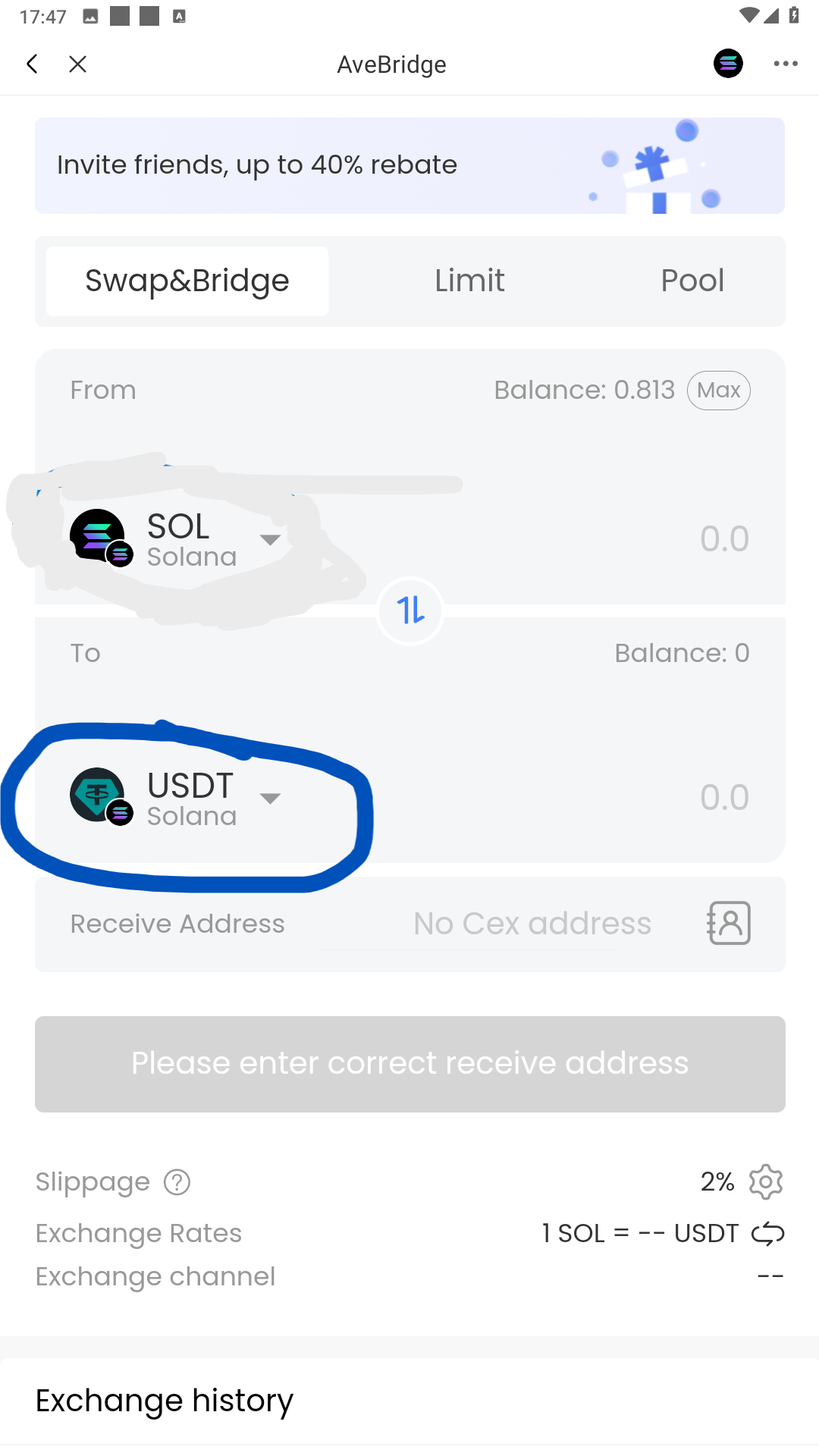
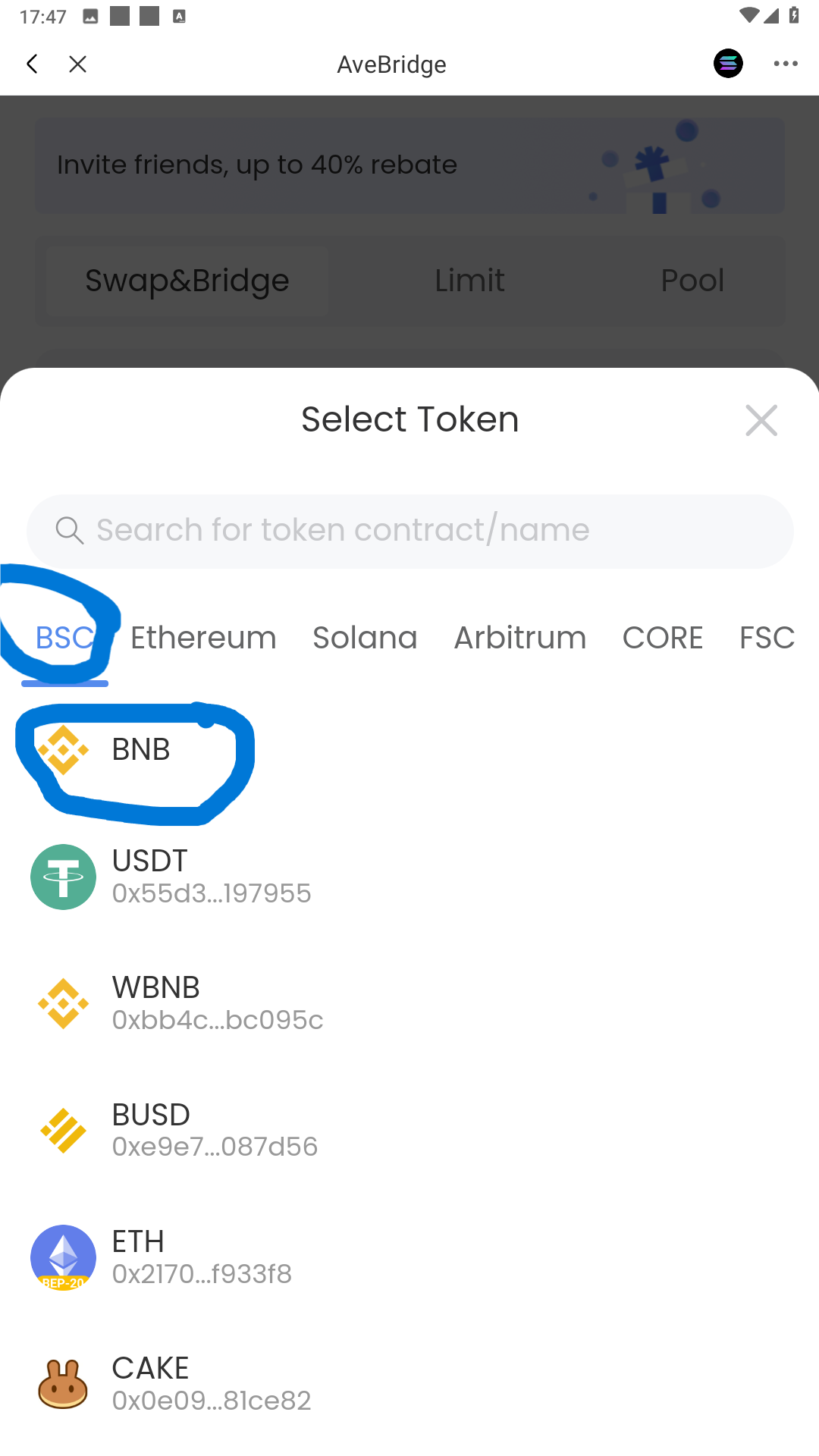
6. Select the EVM chain that we want to Bridge Sol from Solana token to by click the button at tab To
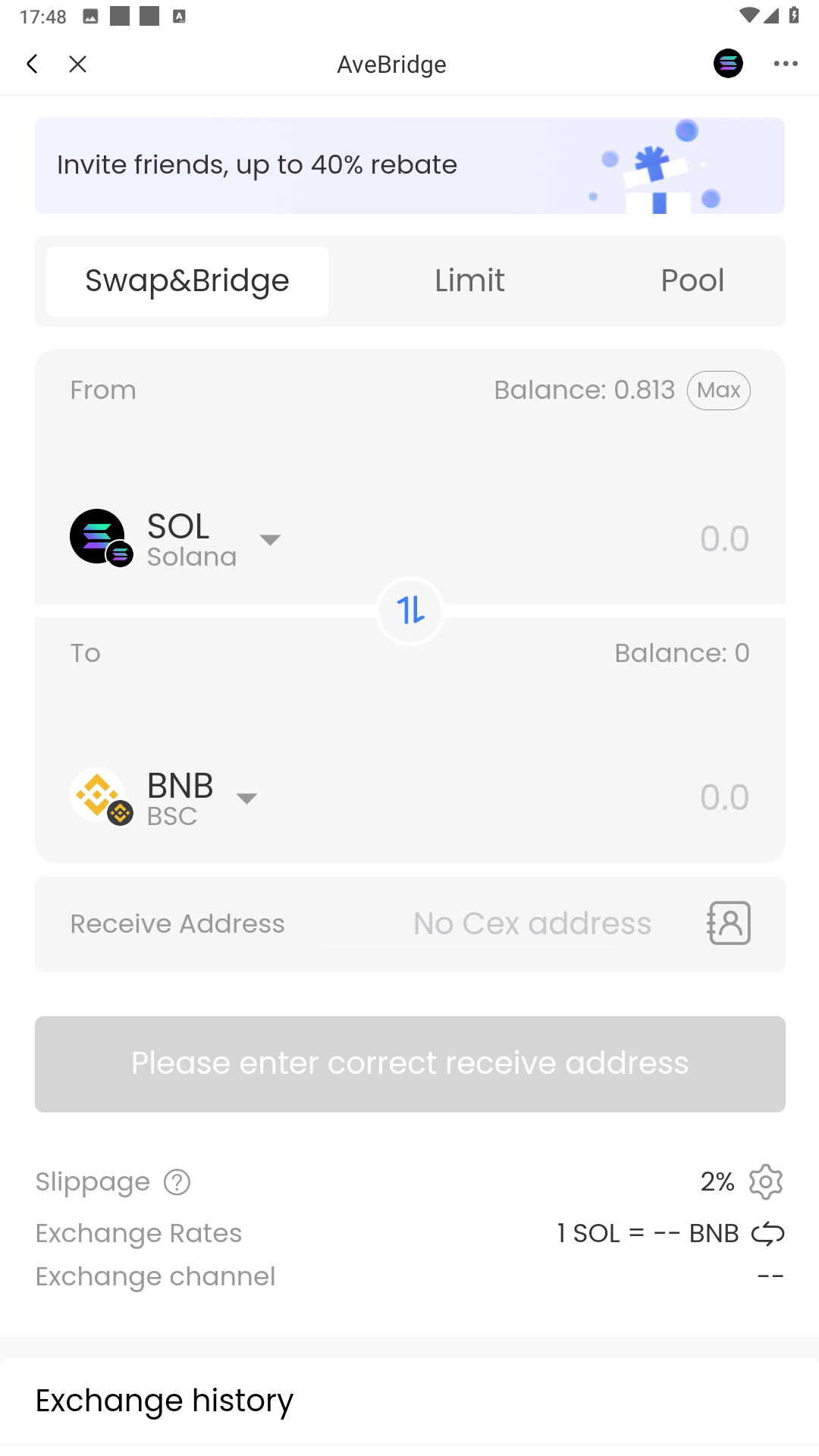
In this case I selected chain BSC to bridge to, so I select BSC as in the picture below, and I want to bridge Sol from Solana to become BNB on BSC chain so I choose BNB token as in the below picture also
7. After all the step above we will have the tab as below
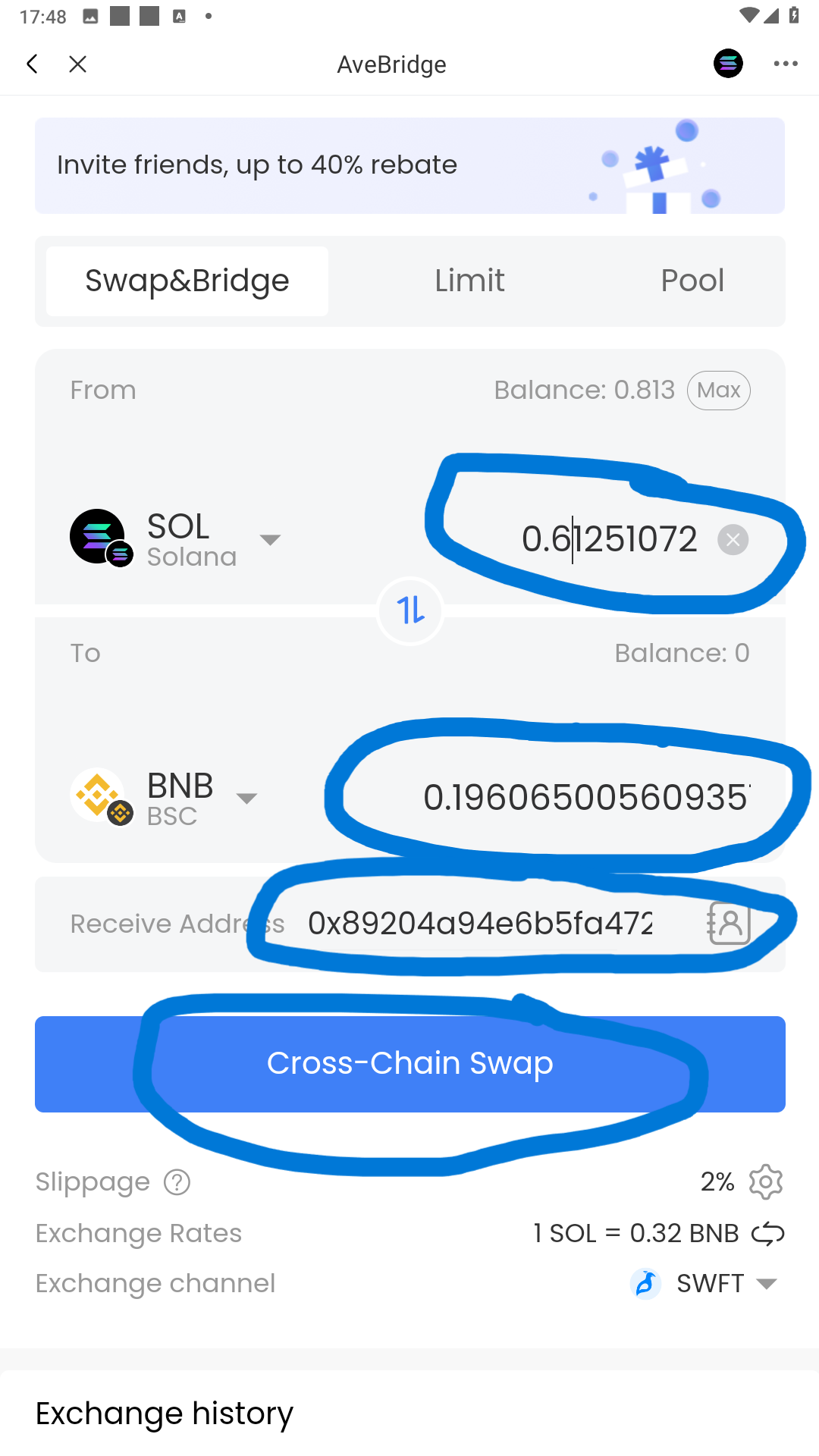
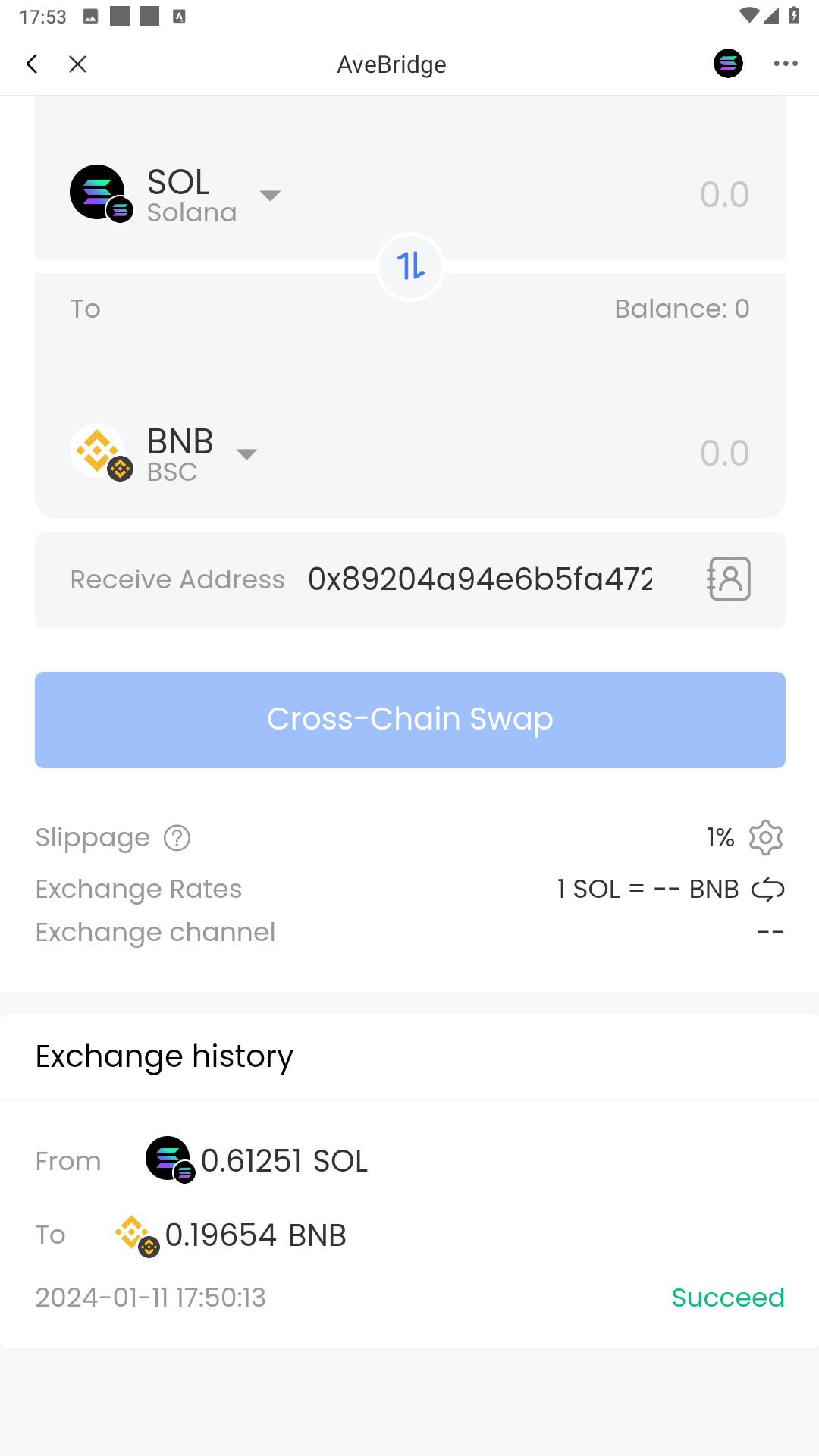
8. Fill the number of Sol we want to bridge, make sure it is bigger than the minimum number which is 0.6 Sol , and make sure you have gas for the bridge also. Fill in the EVM BSC address that you want to receive token as well. Look at the number of BNB you expected to receive, if correct then click Cross-chain Swap button.
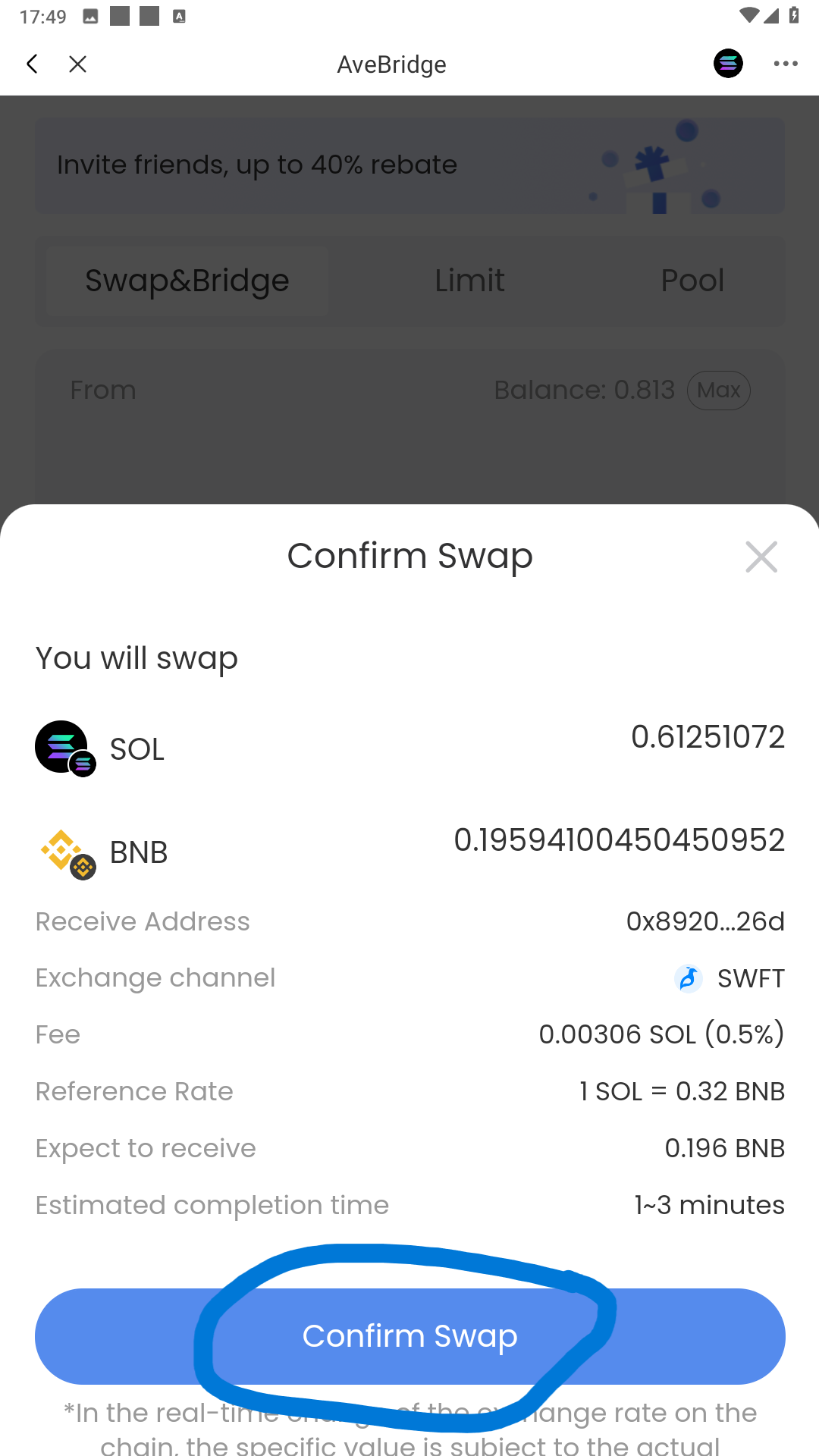
9. Review the cross-chain swap info again, make sure the receive address is correct, then click swap
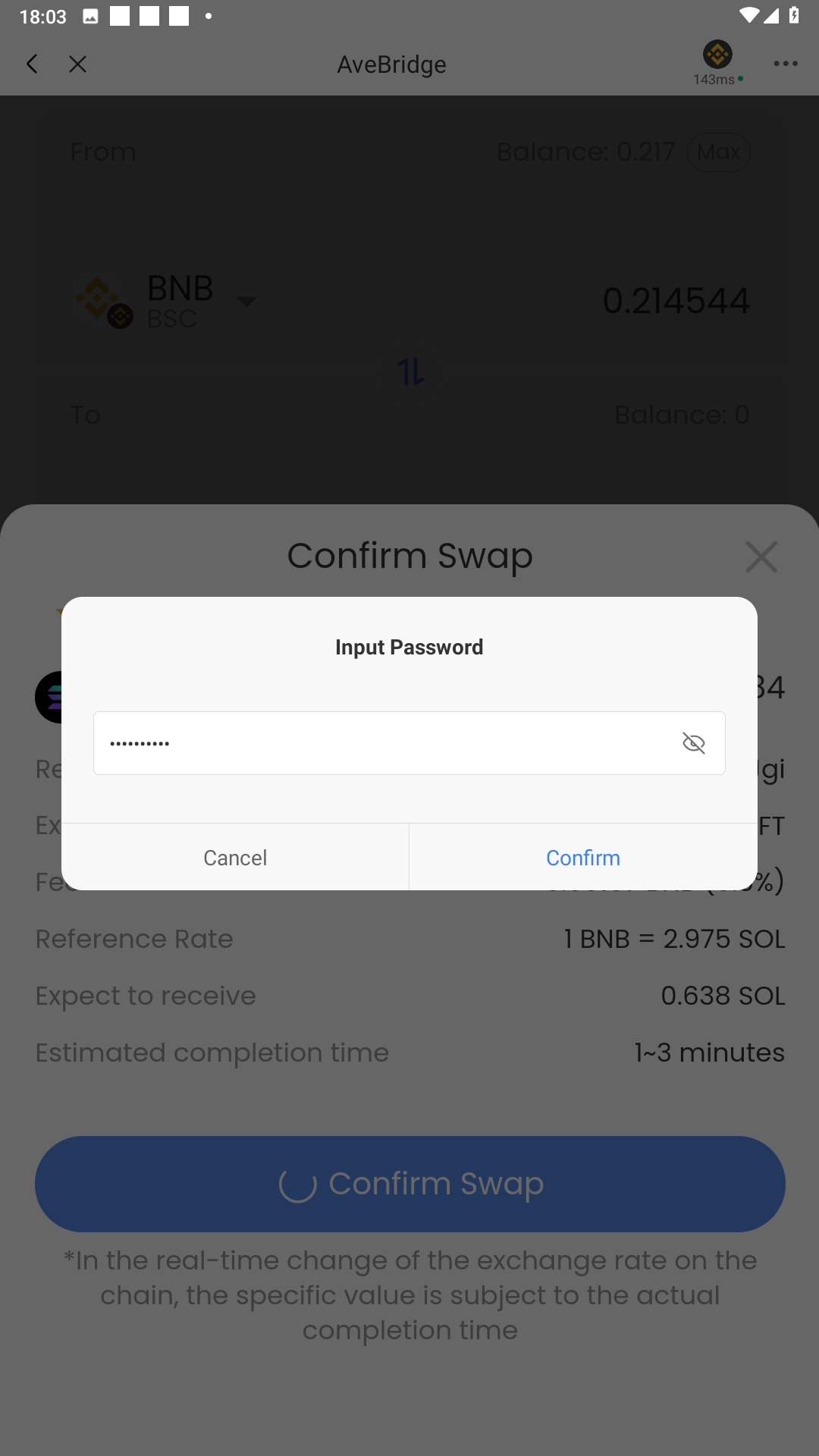
10. Fill in the password and confirm
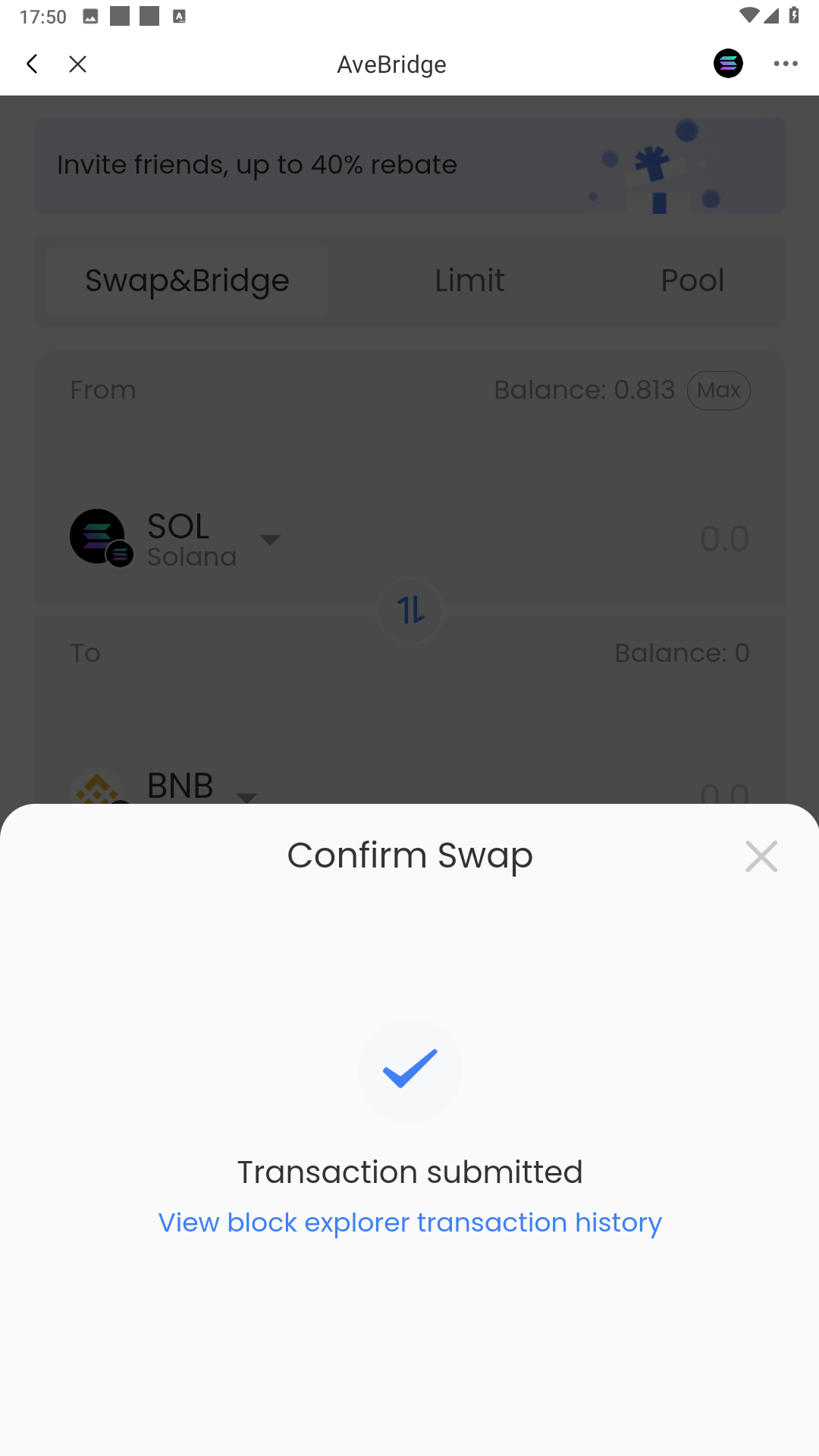
11. Wait for the bridge to complete and finnaly when it finishs , check the wallet
12. Check the EVM BSC receive wallet to confirm that the token has arrived. That's all you have successfully completed a cross-chain swap from Solana to BSC ( EVM chain ).