> For the complete documentation index, see [llms.txt](https://doc.ave.ai/llms.txt). Markdown versions of documentation pages are available by appending `.md` to page URLs; this page is available as [Markdown](https://doc.ave.ai/vn/huong-dan/pc-website-huong-dan/danh-sach-theo-doi.md).
# Danh Sách Theo Dõi
## 1. Tạo Danh Sách Theo Dõi
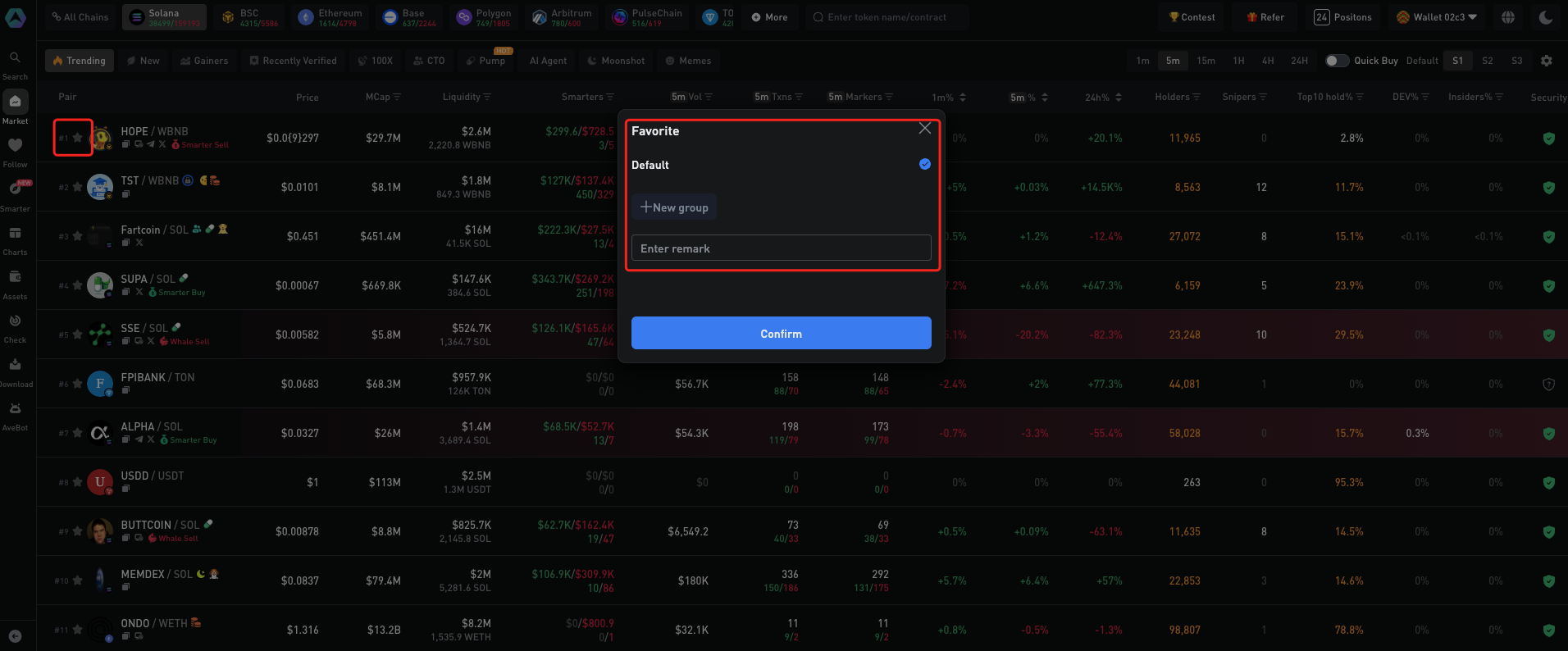
Nhấp vào **biểu tượng ngôi sao** bên trái của token để **thêm vào danh sách Theo Dõi (Follow) trong thanh bên**. Bạn có thể chọn nhóm mặc định hoặc tạo nhóm tùy chỉnh để phù hợp với chiến lược giao dịch của mình.
## **2.** Xem Danh Sách Theo Dõi
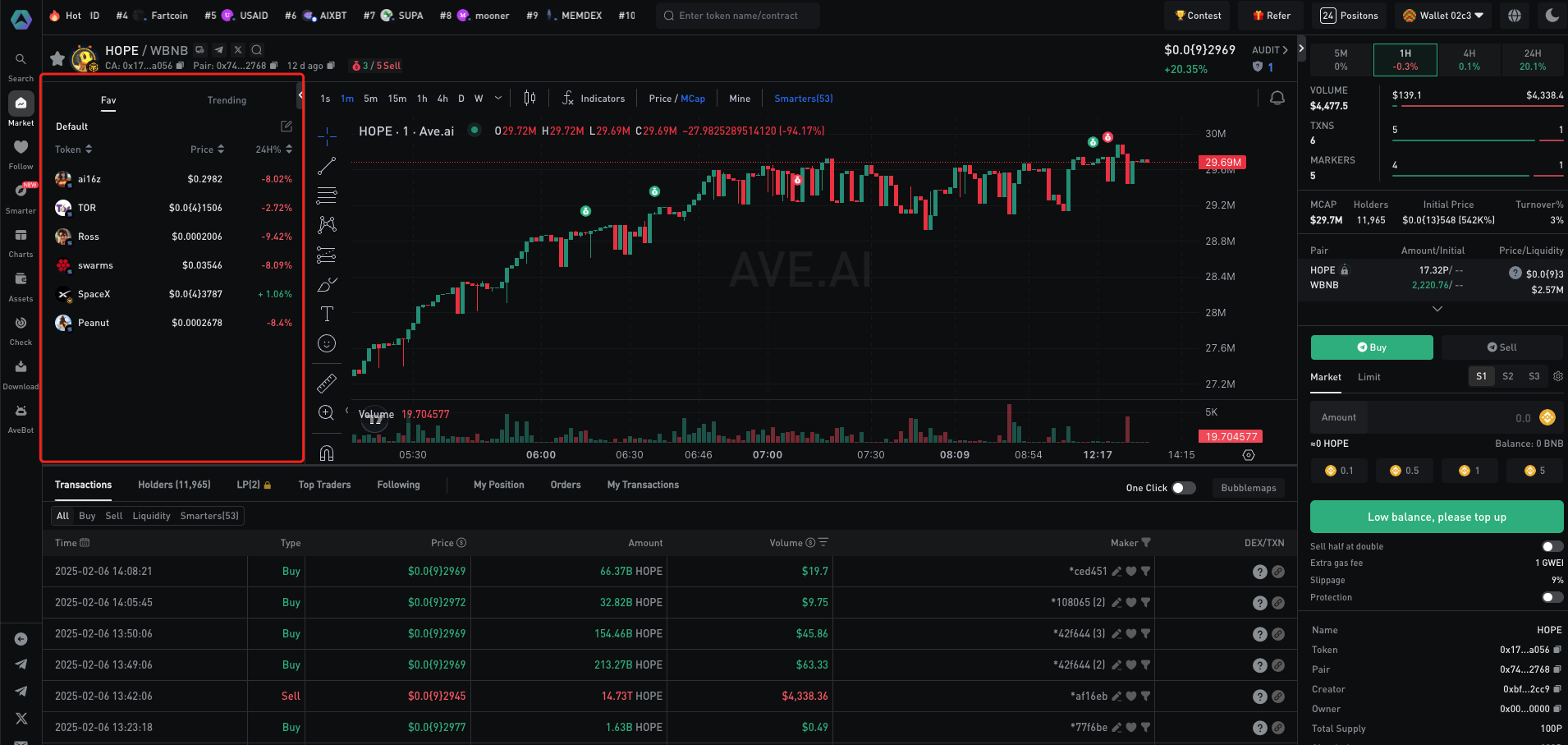
Bạn có thể xem danh sách theo dõi trên trang **Follow** trong thanh bên trên trang chủ Ave.ai. Ngoài ra, để giúp bạn theo dõi các token yêu thích khi giao dịch, Ave.ai cung cấp chế độ xem danh sách tích hợp trên trang thông tin chi tiết của token.